The Daily App: URL To PDF For iPad
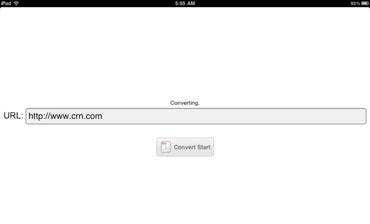
This app is a free download from the Apple iTunes App Store, and it does what it says. You simply type in a URL, and it converts the entire web page into Portable Document Format (PDF.)
By developer daisukeuchida.com, don’t be thrown by the fact that this app comes with instructions in Japanese. (OK, we’ll let you be a little thrown by that if you don’t know Japanese.) But there are really only two features on this app that you need to know: one is a dialog box where you type in the URL you’d like converted (you need to fully type out http://www.website.com format for it to work, though.) Then you hit the button that says “convert.”
In about 90 seconds, you’ll have a fully PDF’d version of the URL. The PDF actually opens in the iPad’s Safari browser, but then you’ll have the option of opening the document in another app like Docs to Go, where you can save the PDF right to the device.
This is handy for any number of situations. For the price, it’s an app worth checking out for those who find use and value in quick conversion of Web pages for sharing, saving or marking up.