AI Is Expanding The Attack Surface: 6 Security Lessons For MSPs
‘AI doesn’t create risk. We all know that, but it certainly makes the existing exposure you’ve got much easier to find, much easier to exploit, and we also know the speed in which AI can do all of this. So the key here is knowing what AI can reach within your customer systems and limiting access to what is actually needed,’ says Cavelo channel chief Larry Meador.
AI is accelerating threat discovery, creating new attack methods and introducing security risks that traditional defenses may struggle to catch.
For MSPs, the challenge is no longer about identifying vulnerabilities or adding AI-powered tools to their technology stacks. It’s understanding where AI can reach, how attackers are exploiting it and whether customers have the visibility and processes needed to respond.
“AI doesn’t create risk. We all know that, but it certainly makes the existing exposure you’ve got much easier to find, much easier to exploit, and we also know the speed in which AI can do all of this,” said Larry Meador, channel chief at Kitchener, Ontario-based Cavelo. “So the key here is knowing what AI can reach within your customer systems and limiting access to what is actually needed.”
The rise of AI-powered threats is forcing MSPs to rethink many aspects of security, from vulnerability management and business continuity planning to monitoring the AI tools employees and technicians use every day.
And threat actors are finding new ways to weaponize AI. Chris Usserman, global public sector CTO at Infoblox, said attackers are using AI to generate disposable domains that can support phishing campaigns and other attacks.
For MSPs, the challenge also represents an opportunity. Nathan Romanoff of Cynomi encouraged MSPs to make business continuity an ongoing advisory service, while TruNova’s Ole Gjerde said MSPs should determine whether to build their own AI expertise or partner with specialists.
As AI changes the speed and complexity of cyber risk, MSPs need stronger visibility, smarter prioritization and a strategy for helping customers navigate the new landscape.
Here are six industry executives who spoke at CRN parent company The Channel Company’s XChange NexGen event with their own lessons on how MSPs can further strengthen their AI practices and services.
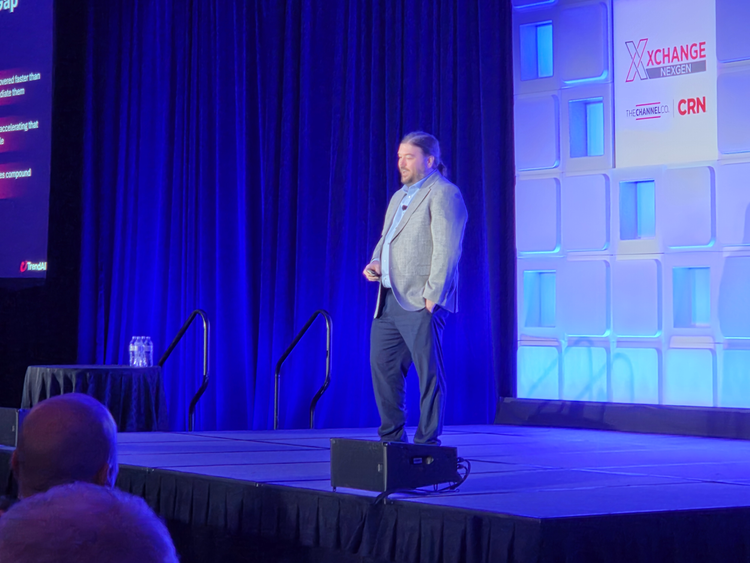
Nick Russo, a senior service provider solution architect at Tokyo-based TrendMicro, on why finding more vulnerabilities doesn’t necessarily make organizations more secure
Frontier AI is widening the exposure gap. … Vulnerabilities are already being discovered faster than organizations can remediate them. And AI is widening that gap, of course, and not closing it.
You may have recently seen news about frontier AI models that apply AI to the discovery of software vulnerabilities at a speed and scale that was previously out of reach. … As vulnerability discovery accelerates, the real challenge becomes prioritization and remediation at scale.
Without that, increased discovery only compounds security debt and expands the attack surface. Legacy VulnOps (vulnerability operations) strategies prioritize theoretical severity. CVSS (Common Vulnerability Scoring System) scores were never designed to tell you what’s dangerous in your environment, specifically because they’re generic.
They don’t know your stack, your exposure surface, your crown jewel assets. The old model also assumed you have days to triage and prioritize before someone tried to exploit it.
And that window is gone. Legacy strategies also lack environmental context. The problem is the industry’s default posture hasn’t kept pace with how fast the threat landscape is moving. … AI has collapsed the window between discovery and exploitation. The only way to stay ahead of it is to fight AI with AI.
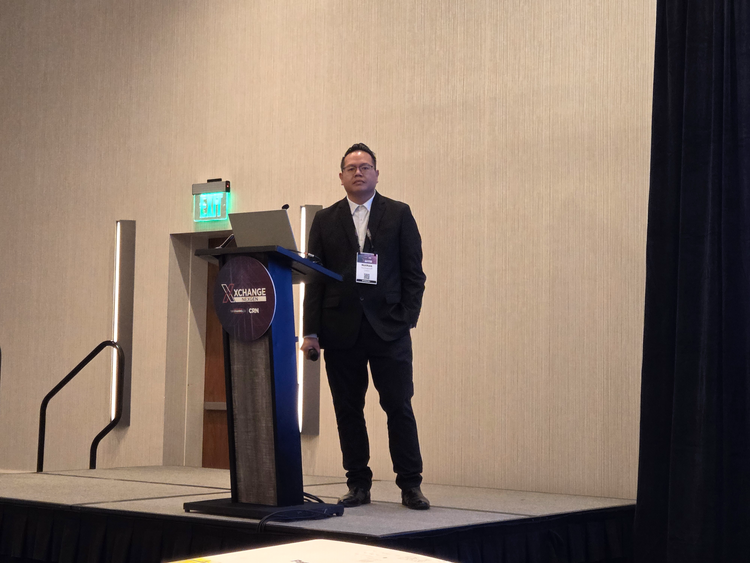
Nathan Romanoff, a solutions engineer at Herzliya, Israel-based Cynomi, on turning business continuity planning into a recurring advisory service for MSP customers
Clients assume that you pretty much have it covered. They want to make sure that continuity is an expectation. Something goes down, they already expect you to know the next planned step forward to keep the organization moving forward. … Whoever owns continuity owns the trusted advisory seat. So usually you guys.
When you’re in that seat with your clients, when you’re having those conversations with them, letting them know, “We have your back.” When something does go wrong, you’re able to advise in those situations. … Make it a service, not a one-off. Continuity work is recurring advisory work if you structure it that way.
Annual BIA (business impact analysis) refresh. How often is it that when you meet with a client, they’ve either added something new or are looking to add something new into their stack?
Making sure that we’re staying up to date with the items in which they have already in place, and then continue to build that rapport with them as well.
Tabletop exercises are massive [along with] being able to put those plans into action before a disaster happens. Risk registers and roadmap feed the BIA gap directly into remediation planning and prioritization.
Chris Usserman, global public sector chief technology officer at Santa Clara, Calif.-based Infoblox, on how AI is helping threat actors create disposable domains to evade traditional security defenses
What we started finding in doing and redoing our analysis of domains and DNS (Domain Name System) exploitation across the internet [after the SolarWinds attack was uncovered in 2020] was that regardless of whether it’s a phishing attack, C2 (command and control), data exfiltration or prompt injection, or any of these things, they can all use custom domains.
I can create a custom domain for every single one of you in this room. And I can do it for free. And I can do it on the order of tens of thousands. And that’s what AI has helped with. And they can expire in two weeks.
But I only need to use it once. I can embed that into a phishing email, send it to you. And now it’s crap. It’s no good. It’s expired. It’s only targeting you.
So now, when your security team then pushes that out, or your security vendor pushes that out, and says, ‘Hey, we just saw this domain.’ Well, it’s useless for all of you because it was targeting you.
And this is the challenge. We actually started going to the underpinnings of the internet and saying, “Well, how is all of this working?”
So then we started finding all of these campaigns and all of these threat actors that are operating in the environment, like traffic distribution systems. … Because of the way the traffic distribution system works, it looks at your user agent string.
It looks at your ASN (autonomous system number). It looks at all of the details and says, ‘Wait a minute. You’re in a sandbox. You’re likely somebody with some skills. We’re going to serve you up something that is benign.’
So now you’re thinking, as a SOC (security operations center) analyst, you’re like, “Well, crap, that’s notthe angle that this happened.”
You’re familiar with newly observed domain feeds? Registered domain feed? Those fall off after about a week or two. The ones that remain are otherwise considered to be safe. So what we’re finding is they configure those. They activate the service. They deploy the attack. And then you hope somewhere out here that you [catch them]. Well, the attack has already happened. The damage is already done.
So this is effectively like taking one of your kids, giving them the keys to your car, and saying, “Here you go, have fun.”
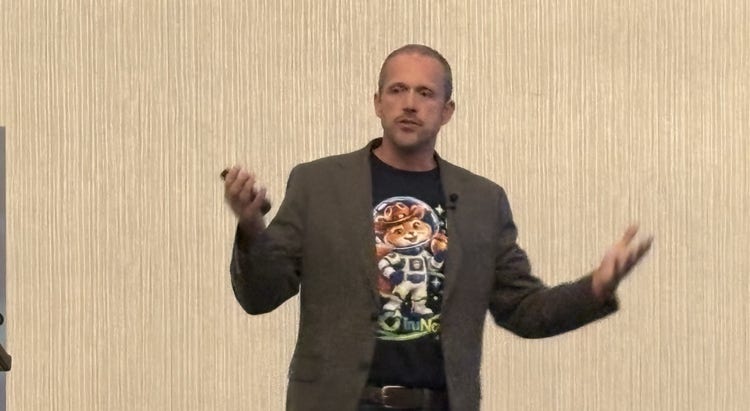
Ole Gjerde, CEO of TruNova, on building an AI practice
Do you want to be a builder or do you want to be a broker? You’re already a broker in some fashion. If you’re an MSP or you’re advising your clients, there’s going to be things you don’t do. Maybe you do copiers, maybe you do access control, but in some fashion, you likely are already doing the broker model, referring other partners that can handle that.
Then there’s the builder model, where you actually build a significant AI practice. The question is, depending on where you try to build, what does that mean? There’s a lot of questions in that, and you need to figure out what kind of business you actually want to build.
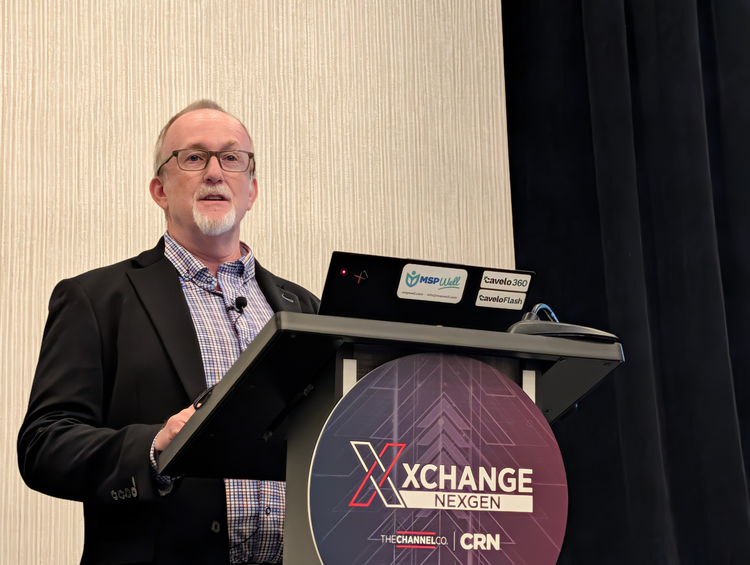
Larry Meador, channel chief at Kitchener, Ontario-based Cavelo, on the importance of using a risk management framework to understand which systems AI can access
AI doesn’t create risk. We all know that, but it certainly makes the existing exposure you’ve got much easier to find, much easier to exploit, and we also know the speed in which AI can do all of this. So the key here is knowing what AI can reach within your customer systems and limiting access to what is actually needed.
So what you need is [an] AI risk management framework, and this is the [National Institute of Standards and Technology’s] AI risk management framework. It tells you what to govern, but you can’t govern what you can’t see. There are four questions that help provide data security evidence to support your governance program, such as number one: what’s deployed out there? Number two: what data can the AI access? Number three: how is it exposed? And number four: are you tracking it over time? Can you show reduced risk over time? So you’ve got to have that evidence.
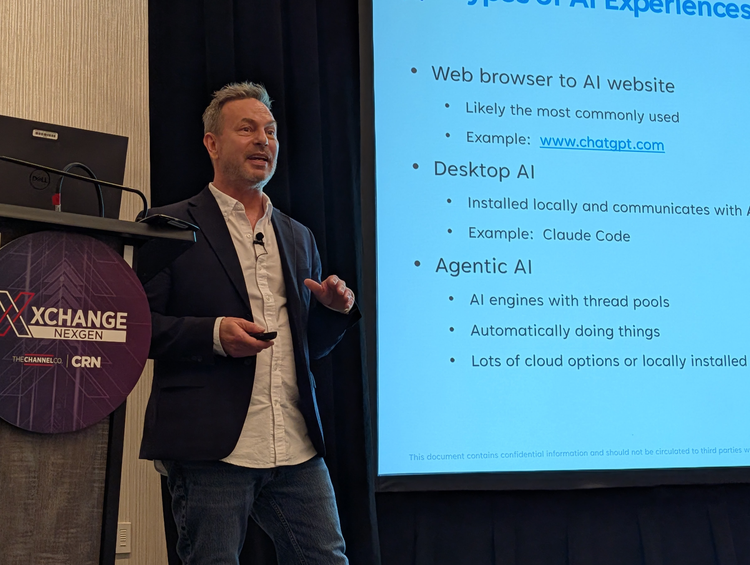
Ted Raymond, manager of sales engineering at Ottawa, Ontario-based Field Effect, on how AI coding tools can create security issues for PCs
Basically, you have a non-deterministic engine running on your computer with access to everything. What can go wrong? And that’s the security problem: non-deterministic engine.
When you ask your prompt […] “why is this laptop running like a potato,” the AI tools send information to the AI model. Then there’s going to be a plan for step one: it will send down a script to the device that has to save it to the operating system. It’s got to run the script, access the operating system, output back up to the cloud, iterate back and forth, up and down, until AI believes it has enough information to give you a proper answer and then spits it out. So this is a multi-layer process.
So why is it a security problem? There’s a pattern of non-deterministic outcomes. What you ask [Anthropic’s] Claude Code to do today and the answer you get will not be the same as you ask it in two and a half hours from now.
So we’ve asked three tools—[OpenAI’s] Codex, Claude [Code], and [SpaceX’s] Cursor—”please read testfile.docx and print the contents here.” Very simple prompt, and our researchers did this for real. So let’s look at the results here.
We have Codex where the first thing it has [is] one base process, and this one’s the better one, behavior-wise, from a cybersecurity perspective I’m getting. One process for the command line and then three child processes, including two PowerShell commands.
Now, I’m not expecting everyone to have run a PowerShell command today, but your technicians run PowerShell commands through their admin tools for automation, when they’re doing mass things to multiple devices. So PowerShell isn’t inherently bad. Who else uses PowerShell? Threat actors use PowerShell. Bad guys. So what’s the difference between your tech using PowerShell or a threat actor using PowerShell? Intent.
And in this case, the odd thing was that it asked to run as admin for sandbox enforcement. That sounds legit, right? But it’s a security hole. This one is the cleanest one of the three.
So let’s go to the next, Claude [from] Anthropic. One base process for the command line, seven child processes. Eight PowerShell scripts were downloaded and executed. That’s a lot. Does anyone remember the prompt? “Read this document.” So the other thing is we’ve got two PowerShell commands running a dash encoding command. That is very much threat actor-like, right? Who runs encoding commands? Why do you need to do that?
Next one we’ve got is Cursor, the loser in the cybersecurity world when we’re looking at this simple prompt. Not saying it’s not a good tool. Twelve base processes for the command line. Ten child processes. Eight PowerShell scripts downloaded. Eleven network transactions. Poorly architected. Significant signs of surveying. So you see, we’re getting a lot of different things going on.
The general problem here […] is that PowerShell looks like malware, looks like a threat actor. You look at the logs of this prompt and what it did—and it was really fast—you would see none of what just happened there in those logs. It’s very hidden.
Well, you should probably […] consider a holistic AI [detection and response] solution, end of story. Something that will be able to see what AIs are being used in your customers’ environments, control which ones are allowed, kernel-level, and then also have prompt visibility and be able to put governance around that.